
Searching Cases by Name
A name search starts only after choosing the right court. Use the Bailey County District Clerk for 287th District Court matters, the County Clerk's LGS system for county-court collections, the Justice Court for JP matters, and the separate Muleshoe portal for city citations. Enter the last name first and add a first name, date range, or case type to reduce false matches. A broad match is only a lead. Compare the court, cause number, case style, and filing date before treating a result as the intended Bailey County case.
- Decide whether the case is district, county, JP, Muleshoe municipal, appellate, or federal.
- Open the matching official portal or call the responsible clerk.
- Enter the full last name and first name, then add a date or case-type filter.
- Compare all result fields before opening the docket or detail view.
| Field Label | Type | Required | Notes |
|---|---|---|---|
| Last name | Text | Portal-specific | Use exact spelling before trying a broader match. |
| First name | Text | Portal-specific | Add it to narrow common surnames. |
| Court or record type | Filter | No | LGS lists Criminal, Civil, Probate, and Property record types. |
| Date range | Date filter | No | Use an approximate filing period when known. |
Bailey County LGS Case Search
The LGS Online Records Search is linked by the Bailey County Clerk. Its official FAQ says search and index access can be used without a subscription. A guest may view index information and available previews. After login, choose Search, select the office and record type, apply the fields shown, and submit. Result paging uses arrow controls. “More Information” opens details, while “Images” opens available previews.
The county-linked LGS landing page can be viewed at its official source.
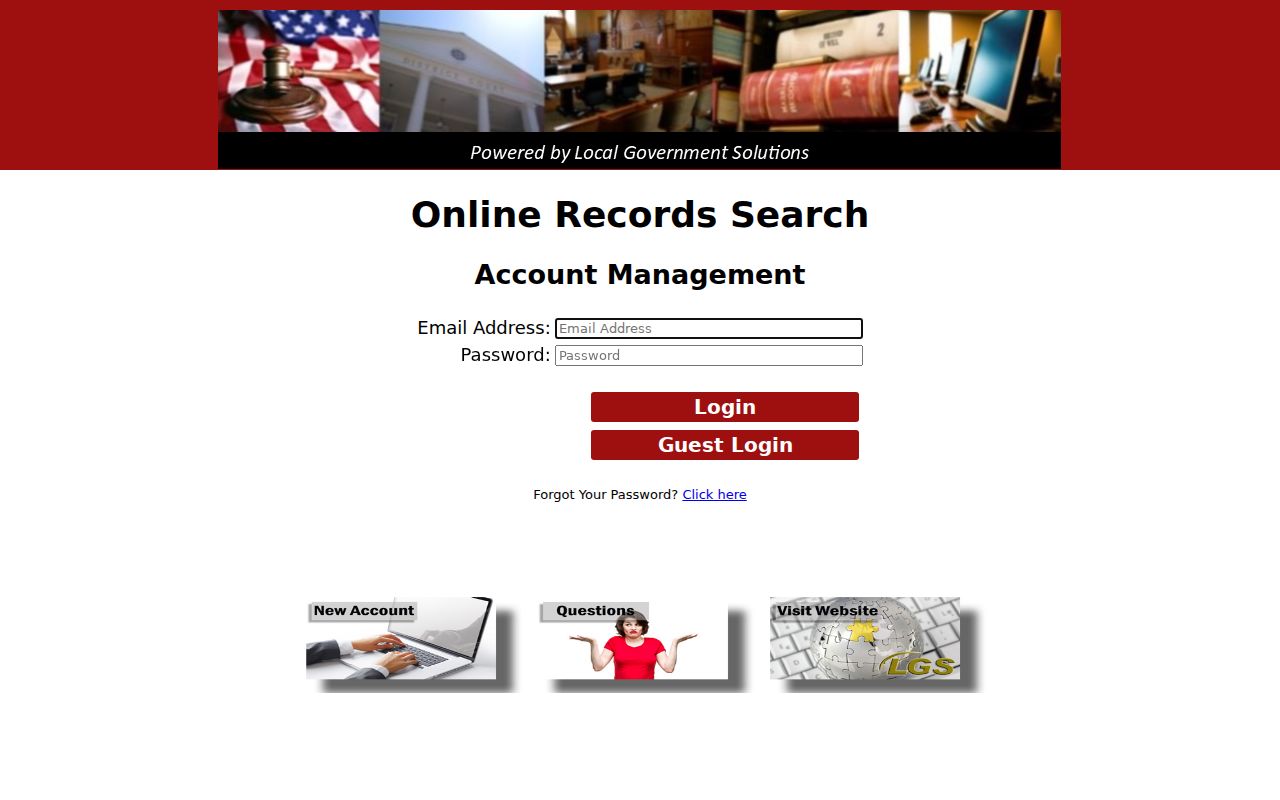
The image identifies the local search route, but the selected office and record type determine which fields and collections appear.
Searching by Case Number
A cause or case number is the strongest exact key for a Bailey County case search. Copy it from the notice without adding a guessed year or case-type code. Bailey County did not publish one universal number pattern across all court levels, so no single invented format fits district, county, JP, and municipal records. For JP searches, the verified local example is 123456A. The letter suffix may be required. The nCourt tool also advises trying the number without a leading zero if the first attempt fails.
Choose “Citation/Ticket Number” or “Case/Cause Number” in the Bailey Justice Court nCourt portal. A new citation may take five days to appear. A failed exact search can mean a suffix error, transfer delay, different court, restricted record, or old file, not that the case does not exist.
Bailey County State Case Search
re:SearchTX provides four modes: Cases, Filings, Text, and Hearings. A broad query goes in the top bar. Advanced search adds structured filters, including location and case category or type. Results can be sorted by newest filed date, oldest filed date, or case number. Selecting a case description opens Case Details, while selecting a hearing type can open Hearing Details.
Users may sign in with eFileTexas credentials or register. Depending on role and access, case details can show parties, lawyers, judicial officers, filings, documents, and hearings. Save, export, alerts, and folders may be available. The official quick reference describes these tools, but Bailey integration and criminal coverage must still be checked for each case.
The portal's official entry screen is shown through the state source.
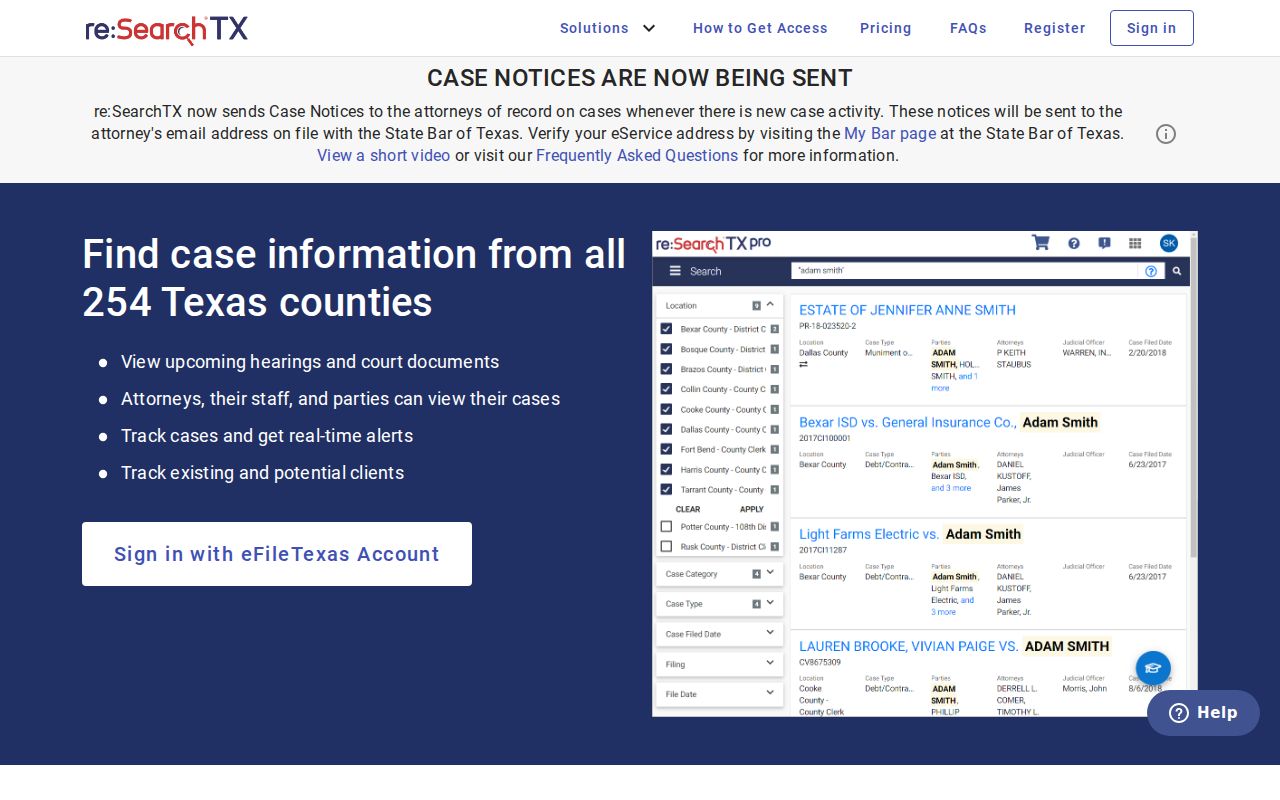
The screen is a statewide search layer, not proof that every Bailey County record or document is available to every user.
What a Case Search Returns
A Bailey County search can return an index row, case detail, hearing, image preview, or payment record. Those products are not the same. Read the portal label and source date. A docket is a chronological register of filings, orders, settings, and outcomes. The underlying pleading or signed order is a separate document. A payment result may show a citation balance or status without listing each filing or court event.
| Case number | The court-assigned identifier used for an exact match. |
|---|---|
| Style or parties | The case caption, which must be checked against court and dates. |
| Case type | The record category, such as criminal, civil, family, or probate. |
| Filed date | The date the case or filing entered the clerk's system. |
| Status | An open, closed, pending, or disposed label that may need the final order for context. |
Bailey County Municipal Case Search
The Muleshoe Municipal Court search is separate from Bailey County LGS and re:SearchTX. It offers six routes: citation number, driver's license, Social Security number, vehicle information, name, and business name. Personal searches generally pair the identifier with a date of birth or state. This tool is aimed at city citation and payment information. It is not a certified municipal file or a county case search.
For a missing result or a copy request, contact Muleshoe Municipal Court at 806-272-7586 or ctycourt@muleshoetx.org. Do not send a municipal citation request to the District Clerk simply because Muleshoe is the county seat.
Statewide vs County Case Search
Use both layers when the court is uncertain, but understand their limits. The county portal is tied to Bailey County Clerk collections. re:SearchTX covers participating Texas records and offers broader search modes. Neither replaces direct contact with the District Clerk, JP, or municipal clerk for a record that sits outside the selected system.
| re:SearchTX | Bailey County LGS |
|---|---|
| Participating Texas court data, with role and coverage limits. | County Clerk-linked Bailey collections by selected office and record type. |
| Cases, Filings, Text, and Hearings search modes. | Index, More Information, previews, and purchasable images where available. |
| Useful when the Texas court or county is uncertain. | Useful for a known Bailey County Clerk collection. |
Bailey County Case Search Access
Search, view, purchase, and certify are four different steps. LGS search and index access may be free. Guest access can show less than a purchased image. The official FAQ says up to five court-case images may be bought before a subscription question arises, and each purchase carries a 30-cent transaction fee. Some images are not publicly viewable even when detail exists.
For a certified record, contact the custodian. The District Clerk handles district case files and certification, while the County Clerk handles county-court collections. A narrow written request should give the court, cause number, case style, approximate range, and desired product. Ask for a free index, ordinary copy, certified copy, or image by name.
Bailey County Case Search Failures
When an online Bailey County search fails, call before making a courthouse trip. Ask whether the record belongs to District Court, County Court, Justice Court, Muleshoe Municipal Court, an appellate court, or a federal court. Give the case type, approximate filing period, party style, and exact number if known. Older files may not be fully digitized. The Bailey County budget's microfilm line is a sound reason to ask about legacy records, but it does not identify a specific online coverage year.
A written request should be narrow and directed to the custodian. Ask whether an index, noncertified docket copy, document image, or certified copy will answer the need. If the clerk offers counter access, mail, phone guidance, or another official portal, follow that office's current instructions. No public Bailey source reviewed confirms a public terminal, so do not plan around one without calling. Federal Bailey matters are separate and use the Northern District of Texas, Lubbock Division and PACER, not a county clerk portal.
Access and Restricted Cases
A zero-result Bailey County case search does not prove there is no case. The file may be sealed, restricted, not yet indexed, outside that portal, held by another court, or stored in a legacy format. Juvenile records receive special treatment under Texas Family Code chapter 58. Family and child-protection details, personal identifiers, medical information, grand-jury material, and protected-person data may also be withheld or redacted.
Sealing is not the same as dismissal, expunction, nondisclosure, or acquittal. A public case header can remain while a document is restricted. Conversely, a case can be disposed and remain public. If authorized access may apply, ask the clerk what identity, role proof, or court order is required. Do not ask staff to reveal protected content.
The official re:SearchTX access explanation warns that a user's role can cause a “couldn't find” response. LGS also says some detailed images are not publicly viewable. Call the right custodian before repeating broad name searches or concluding that a Bailey County record is absent.
Note: Use an official case number and current clerk response to resolve an uncertain match, especially when several people share a name.